
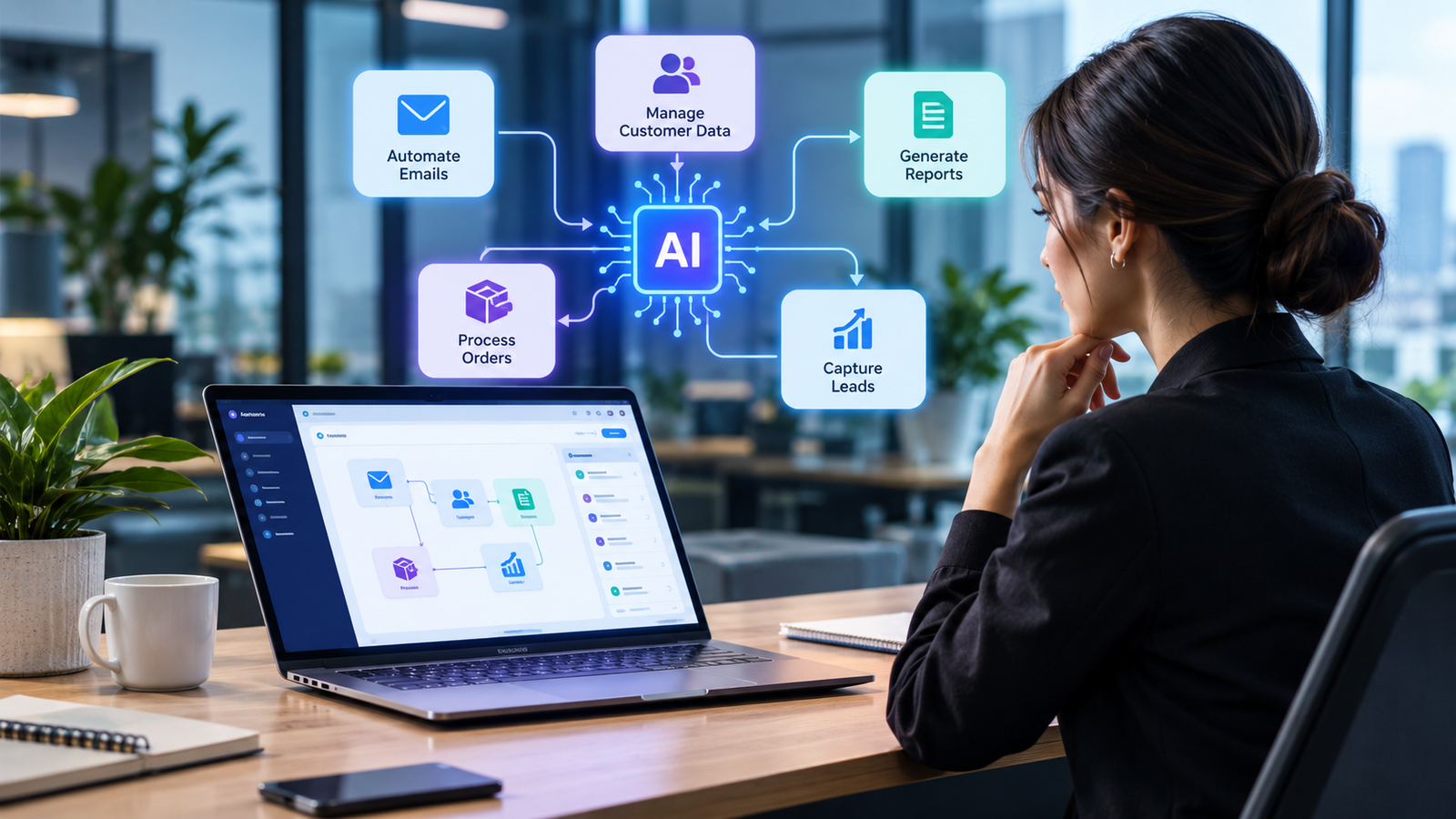
Today, companies do various tasks on a regular basis. They read e-mails, organize the clients’ data, enter data in Excel tables, process documents, organize leads, generate reports, exchange information within different applications. While each task may seem minor, when considered all together, it is quite a lot of time spent.
However, there is another way to manage such tasks. Utilizing automated workflows along with artificial intelligence technology helps decrease repetitive work, process information fast enough and makes the operation more effective.
Unlike rules-based automation, which does not comprehend information but just processes it automatically, artificial intelligence can understand the information, find patterns, classify information and make decisions within certain limits.
What Is AI Workflow Automation?
AI workflow automation refers to the application of artificial intelligence technology in automating a series of related business processes.
The traditional workflow looks like this:
Form submission → Information adding → Sending email → Updating CRM
On the other hand, an AI workflow would look something like this:
Customer message → Determine intent → Extract information → Request analysis → Choose workflow → Update system → Compose response → Escalate, if needed
Intelligent workflow automation becomes very helpful when there are elements of natural language, unstructured data, or multiple end results.
There are various ways in which a company may implement AI workflow automation within customer support, sales, marketing, finance, human resources, operations, reporting, and many other departments.
To understand better how artificial intelligence and automation processes interact,see our guide on how AI automation works.
How Does AI Workflow Automation Work?
A typical AI workflow uses multiple stages rather than just using one technology.
Information Ingestion
The first step is receiving information into the workflow. The information can come from any source such as an email, submission form, document, customer query, spreadsheet, or application event.
Information Understanding through AI
The AI system processes the incoming information and decides the meaning of the information. For instance, it is able to determine if the email received is a sales query, support query, a complaint, or a general inquiry.
Decision or Classification
Based on the incoming information, the system makes a decision on what needs to be done.
Action
The workflow takes the appropriate action.
Human Intervention
In cases where action is either important or sensitive, it could be submitted for human verification rather than completing it through an automated process.
Monitoring
Companies can monitor the process to identify mistakes, enhance performance, and tweak the process based on their changing requirements.
These factors of AI, automation, integration, and human intervention make AI automated workflows more flexible than most rule-based systems.
AI Workflow Automation vs Traditional Automation
Classic automation can also still prove incredibly helpful. When a task always follows the exact same pattern, classic automation may be the way to go.
For instance:
New order → Generate invoice → Send confirmation
There really is not any use for AI if every scenario plays out in the exact same way.
AI begins to make sense when there is an interpretation necessary.
| Feature | Traditional Automation | AI Workflow Automation |
|---|---|---|
| Rules | Fixed rules | Rules + AI interpretation |
| Data | Mostly structured | Structured and unstructured |
| Language | Limited | Can understand natural language |
| Decisions | Predefined conditions | AI-assisted decisions |
| Flexibility | Lower | Higher |
| Best use | Predictable tasks | Variable and complex workflows |
| Human review | Optional | Useful for important decisions |
The two approaches do not have to compete. Many businesses can combine traditional automation with AI to create more capable workflows.
Key Benefits of AI Workflow Automation
Saves Time
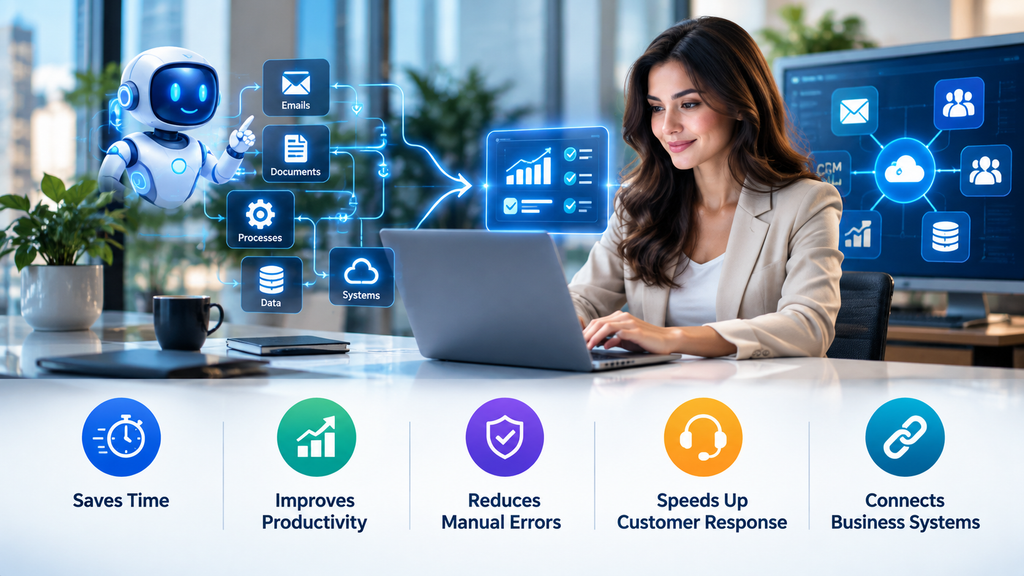
The major benefit is the reduction in time taken by the employees to perform repetitive tasks.
The employees will no longer be required to read all inquiries manually or copy data across different platforms but instead engage in tasks that require them to think and communicate.
Increases Productivity
Automated repetitive tasks mean that there will be much value added within the working period.
Through automated workflows, the employees will spend less time moving from one application to another.
Eliminates Human Errors
Mistakes may occur while manually entering or transferring data. Repetitive tasks done through automation will minimize the involvement of humans to ensure that the correct procedures are followed.
Nevertheless, businesses need to analyze the results generated by AI since automation does not ensure accuracy.
Speeds Up Customer Response
Companies can rely on AI-driven workflows to categorize inquiries made by customers, identify relevant information, formulate responses, and redirect complicated inquiries to the appropriate department.
This could help companies act faster without the need for people to process each and every inquiry manually.
Connecting Business Systems
In today’s world, companies usually have a number of applications dedicated to CRM, email, project management, finance, data analytics, and customer support.
Examples of AI Workflow Automation
There are many practical AI workflow automation examples across different departments.
Sales Lead Qualification
When a new lead submits a form, an AI workflow can analyze the information, identify the type of business, determine the potential requirement, and send the lead to the appropriate sales process.
A simple workflow could be:
New lead → AI analysis → Lead classification → CRM update → Sales notification
Customer Support
The AI system can analyze the incoming question of the customer and classify it into certain categories.
In case of frequent questions, the workflow can formulate a proper answer. While in complex situations, the issue can be passed on to the human support employee.
Document Processing
Every company receives invoices, applications, reports, contracts, and other types of documents daily.
The AI-based workflow can analyze the document, organize the information and upload the data into another system.
Marketing Automation
Marketing departments can use the AI-based workflows for analysis of leads, segmenting customers, compiling information about the campaign and help in content-related processes.
Such as:
Customer data → AI-based analysis → Audience segmenting → Campaign workflow → Results analysis.
Reporting and Data Analysis
Instead of gathering information from different systems manually, companies can create workflows that gather data, organize them and provide reports to the employees.
AI Workflow Automation for Small Businesses
AI-based workflow automation is not limited to big companies.
Even a small firm can leverage the benefits of the automation of redundant processes. Indeed, such an effort may be especially useful for companies with fewer resources.
A small firm may begin with just one workflow, which can include:
Lead capturing
Email categorization
Appointment reminders
Customer care
Invoice processing
Reports generation
Data input
Follow-up messages
However, it is not necessary to automate all processes at once.
Instead, one needs to choose a redundant process that consumes sigificant time and determine whether AI can handle part of that workflow reliably.
Businesses interested in broader automation strategies can also explore our guide to AI automation services for modern businesses.
How to Implement AI Workflow Automation
Successful implementation starts with the process rather than the technology.
Identify Repetitive Tasks
First, list the processes employees perform repeatedly. Look for tasks that happen frequently and follow a reasonably predictable structure.
Define the Desired Outcome
Determine exactly what the workflow should accomplish.
For example, instead of saying “automate sales,” define the objective as:
“Automatically classify new leads, update the CRM, and notify the sales team.”
A clear objective makes the workflow easier to design and measure.
Choose the Right AI Workflow Tools
The appropriate technology depends on the process, existing software, integrations, security requirements, and budget.
Businesses should consider compatibility with their current systems rather than selecting a tool simply because it has many features.
Start Small
Begin with one manageable workflow. Test it, monitor the results, identify errors, and improve the process before expanding automation to other departments.
Keep Human Oversight
Not every decision should be fully automated.
Financial decisions, sensitive customer situations, legal matters, and other high-impact processes may require human approval.
Human oversight helps businesses balance automation with accountability.
Common Mistakes to Avoid
Automating an ill-designed process is another common mistake. If the existing process is poorly designed, the introduction of AI will only accelerate its poor design.
Additionally, companies need to avoid providing AI access to any unnecessary sensitive systems or information.
Moreover, not measuring the results is yet another mistake. Companies need to set up meaningful metrics like processing time, error rate, response time, money savings, and successful process completion.
Lastly, businesses should not take for granted that AI can function independently. Due to the possibility of incorrect interpretation, companies need to build in a system of checks into workflows.
Moreover, companies need to avoid providing AI access to any unnecessary sensitive systems or information. When companies start implementing AI workflows, the AI Risk Management Framework from NIST provides useful guidance for managing AI-related risks and promoting trustworthy AI systems.
AI Workflow Automation and AI Agents
AI agents can add another layer of capability to automated workflows.
An AI agent can interpret a goal, work with information, use connected tools, and complete multiple steps toward an objective.
For example:
Customer inquiry → AI understands request → Searches approved information → Creates response → Updates CRM → Escalates complex issue
This is why AI agents are becoming increasingly relevant to business automation. Our recent guide on how to use AI agents to automate repetitive business tasks explains this approach in more detail.
The important point is that AI agents should operate within clearly defined permissions and business rules rather than having unlimited access.
The Future of AI Workflow Automation
Automation of workflows using AI will most probably be based on connected processes in the future.
While in the past automation was performed by automating a single step, it is now possible to perform automation through a series of processes and applications.
An example of how the workflow can work for a company is:
Capture customer information → Process request → Update CRM system → Create task → Communicate → Alert relevant employee → Follow up.
As the capabilities of AI increase in analyzing the context and processing various types of information, the complexity of such workflows will increase too.
However, proper automation will always require proper data, clear process design, security, monitoring, and human oversight.
Frequently Asked Questions
What is AI workflow automation?
AI workflow automation refers to the application of artificial intelligence in the automation of related business processes. AI workflow automation is capable of interpreting information, classifying information, providing recommendations, initiating actions, and transferring information.
What sets AI workflow automation apart from conventional automation?
Traditional automation is mostly rule-based while AI workflow automation in addition interprets natural language, analyzes unstructured information, and identifies patterns.
What are the advantages of AI workflow automation?
The main advantages of AI workflow automation are time savings, elimination of repetitive manual labor, increased productivity, prompt reactions, avoidance of data-entry mistakes, and interconnection of business applications.
Is AI workflow automation possible for small business?
Yes, small businesses are able to begin with basic processes such as qualifying leads, handling customer service, email management, appointment scheduling, document processing, and generating reports.
Does AI workflow automation replace employees?
Does it have to be so? The best way may be automating the repetitive tasks and leaving the tasks that require creativity, judgment, interaction, and responsibility to employees.
How should a business start with AI workflow automation?
Identify one process in your business which is repetitive and takes much time. Establish what you want to achieve from this process, choose proper tools, measure the performance of the process, and so on.
Final Thoughts
AI-driven workflow automation is gaining traction in business today as it helps enterprises integrate their artificial intelligence technologies into effective workflow processes.
But the real potential here does not consist in the sheer volume of automation that takes place. It consists in choosing the right processes to automate.
For companies who are able to set proper goals, utilize accurate data, employ proper technologies, involve humans and track metrics, creating efficient workflows can help them optimize time and boost efficiency.
With AI constantly progressing, intelligent workflows can become even more integrated, adaptable and advanced. But for businesses of any scale, the best way to start is with one intelligent workflow.
2 thoughts on “AI Workflow Automation: How to Automate Business Workflows”