
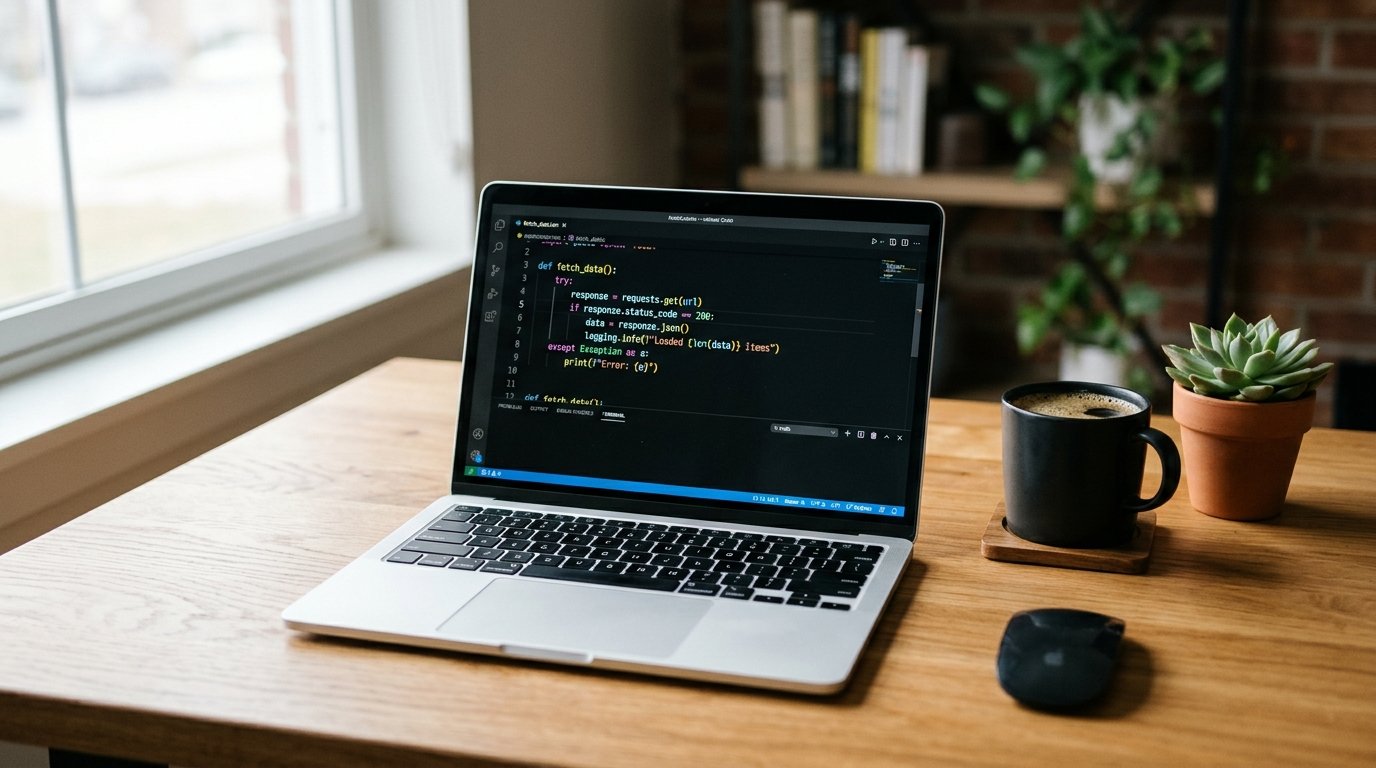
If you are wondering whether the MacBook Pro 13 for programming is still a smart buy in 2026, this guide covers the real pros, cons, and who should (or shouldn’t) get one. If you are a student, freelancer, or beginner developer on a budget, you have probably seen the 13-inch MacBook Pro listed at a tempting price. The real question is whether a laptop Apple stopped selling new in 2023 still makes sense for programming in 2026. For some people it does, and for others it doesn’t. Here is what you need to know before you spend your money.
Which MacBook Pro 13 for Programming Are We Talking About?
The 13-inch MacBook Pro was Apple’s compact “Pro” laptop for years. Because you can only find it second-hand or as leftover stock now, it matters which version you are looking at.
The Different Versions
- Intel models (up to 2020): These run hotter, have weaker battery life, and are not a good choice for programming today.
- M1 model (late 2020): The first Apple Silicon version. It is still capable, but it is older and has more limited RAM options.
- M2 model (2022): The last 13-inch MacBook Pro. It has an 8-core CPU, up to a 10-core GPU, and up to 24GB of unified memory.
Apple discontinued the 13-inch MacBook Pro in October 2023, when the base 14-inch model took its place. If you want the best balance of price and performance, the M2 version is the one worth considering, so the rest of this article focuses on it.
Key Specifications of the M2 Model
- 13.3-inch Retina display
- Apple M2 chip with 8-core CPU
- 8GB, 16GB, or 24GB unified memory
- 256GB to 2TB SSD storage
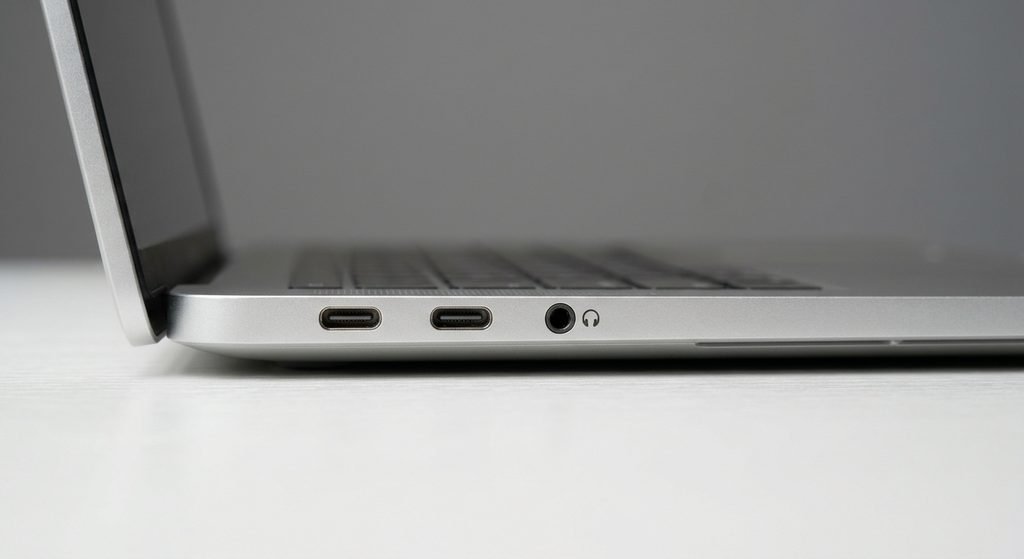
- Two Thunderbolt/USB 4 ports
- 3.5mm headphone jack
- Touch Bar
- Active cooling with a fan
- Apple rates battery life at up to 20 hours of video playback
Why the MacBook Pro 13 Still Works for Programming
Solid Performance for Everyday Coding
The M2 chip handles most programming work without trouble. Writing code in VS Code, running a local server, using Git, working in the terminal, and compiling small to medium projects all feel smooth. Web developers using HTML, CSS, JavaScript, React, Node.js, or Python will rarely feel held back, especially with 16GB of RAM.
Great Battery Life
Apple’s 20-hour number comes from video playback, so real coding will give you less. Even so, this laptop is known for lasting a full workday, which beats many Windows laptops at a similar price. If you often work in cafes, libraries, or classrooms, that is a real benefit.
A Fan for Longer Tasks
Unlike the MacBook Air, the MacBook Pro 13 has a fan. During long builds or when running several heavy tools together, active cooling helps the chip hold its speed instead of slowing down. For light work you may not notice the difference, but it is a genuine advantage over the fanless Air.
macOS and Developer Tools
macOS is Unix-based, so the terminal is powerful and tools like Homebrew work well. Most popular development tools support Apple Silicon. If you want to build iOS or macOS apps, you need a Mac to run Xcode, and this laptop can do the job.
Build Quality and Display
The aluminium body is sturdy, the keyboard is comfortable for long typing sessions, and the Retina display is sharp with good colors. It is bright enough for normal indoor use.
Where It Falls Short
Limited Ports
You only get two Thunderbolt/USB 4 ports. If you plug in a charger, a monitor, and an external drive, you will probably need a hub. There is no HDMI port or SD card slot, which the newer 14-inch models have.
Only One External Display
The M2 MacBook Pro 13 officially supports just one external monitor. If you like working with two or three screens, this is a real limitation.
The Touch Bar
Some people like it, but many programmers prefer physical function keys, especially for debugging shortcuts. It is not a dealbreaker, but know about it before buying.
Dated Design
The bezels are thick, the webcam is only 720p, and the screen has no high refresh rate. It looks and feels older next to current MacBooks.
No Upgrades Later
RAM and storage are soldered to the board. You cannot upgrade them, so you must pick the right configuration from the start.
How Much RAM and Storage Do You Need?
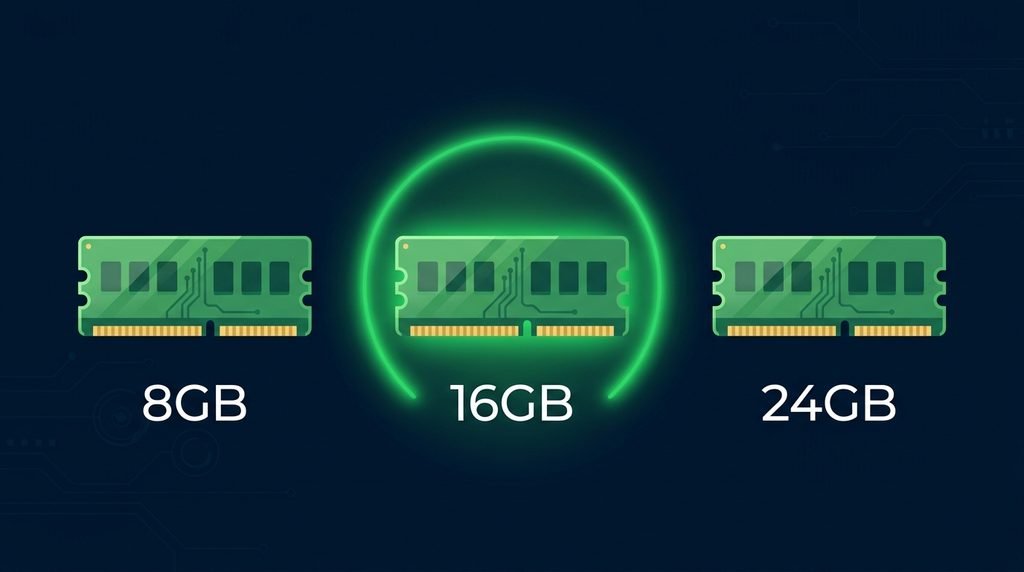
This is the most important part of the buying decision.
RAM
- 8GB: Fine for learning and light tasks, but it gets tight when you run an IDE, many browser tabs, and Docker together. I would avoid it for serious work.
- 16GB: The sweet spot for most programmers. It handles web development, backend work, and moderate Docker use comfortably.
- 24GB: Better for heavy multitasking, bigger projects, or virtual machines.
Storage
- 256GB: Too small for most developers. Xcode, Docker images, and dependencies fill it up quickly.
- 512GB: A practical minimum.
- 1TB or more: Best for large projects, mobile app development, or media files.
What Kind of Programming Suits It Best?
Good Fit
- Web development, both front end and back end
- Python scripting and small-scale data analysis
- iOS and Android app development
- Learning to code and building portfolio projects
- Freelance and remote work
Not the Best Fit
- Heavy machine learning training, which needs a strong GPU or cloud computing
- Large game development
- Workflows that need multiple external monitors
- Running several heavy virtual machines at once (if you are new to virtual machines, read our guide on what VirtualBox software is and how it works)
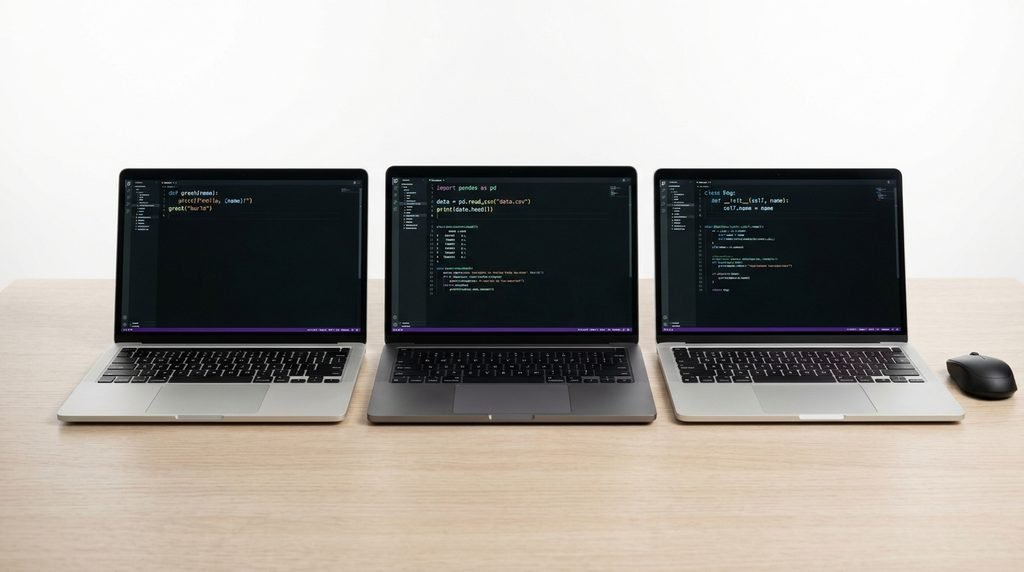
How It Compares With Other Options
MacBook Air
Newer MacBook Air models are lighter, have a fresher design, and often come with more RAM in base configurations. They are fanless, so they can slow down under long, demanding loads. For writing code and reading documentation, a newer Air may offer better value. For heavier sustained work, the Pro’s fan still helps.
The 14-inch MacBook Pro
This is the model that replaced the 13-inch. It has more ports, including HDMI and an SD card slot, a better display, and stronger performance, but it costs more. You can compare the current lineup on Apple’s official MacBook Pro page. If your budget allows, it is the better long-term investment.
Windows Laptops
Many Windows laptops offer more RAM, more ports, and upgradable parts for less money. They are a smart choice if you do not need macOS-only tools. Battery life and build quality vary a lot, so research the specific model before you buy.
So, Is It Worth Buying in 2026?
Reasons to Buy
- You found a used or refurbished M2 model at a fair price
- You want a dependable laptop for web development or learning
- You value battery life and quiet, efficient performance
- You need macOS for iOS development
Reasons to Skip It
- You need more than one external display
- Your work is very heavy on RAM or GPU
- You can afford a newer MacBook with better ports and a better screen
- The seller wants a high price for an 8GB/256GB version
Buying Tips
- Check battery cycle count and overall condition if buying used
- Confirm the exact chip and RAM before paying
- Ask if the laptop has been repaired or had parts replaced
- Choose a seller who offers a return policy or warranty
- Compare the price with newer MacBook Air models, since the gap can be small
Prices vary by country and seller, so always check current listings before you decide.
Final Verdict

The MacBook Pro 13 with the M2 chip is still a capable programming laptop in 2026, as long as you get the right configuration at the right price. A 16GB model with at least 512GB of storage handles most web, app, and general development work well. Its main weaknesses are limited ports, one external display, and an aging design.
If you find a good deal, it is a practical and smart choice. If you can stretch your budget, newer MacBooks offer better future-proofing. Think about the projects you build and pick the machine that fits your work, not just the cheapest one. For more tech guides and buying advice, browse our Technology section.
Frequently Asked Questions
Is the MacBook Pro 13 good for beginners learning to code?
Yes. It is fast, reliable, and has everything a beginner needs. Just avoid the 8GB version if you plan to keep it for years.
Can the MacBook Pro 13 run Docker?
Yes, Docker works on Apple Silicon Macs. For smooth performance, 16GB of RAM is recommended.
Is 8GB RAM enough for programming?
It works for light tasks and learning, but it gets limiting quickly when you run an IDE, browser, and other tools together. 16GB is safer.
Is the MacBook Pro 13 still supported by Apple?
It runs current macOS versions, and Apple Silicon Macs usually receive updates for many years. Check Apple’s official compatibility page for the latest details.
Should I buy the MacBook Pro 13 or a MacBook Air?
If you want a fan and steadier performance under load, the Pro makes sense. If you want a lighter, newer design for everyday coding, a newer Air may be better value.