
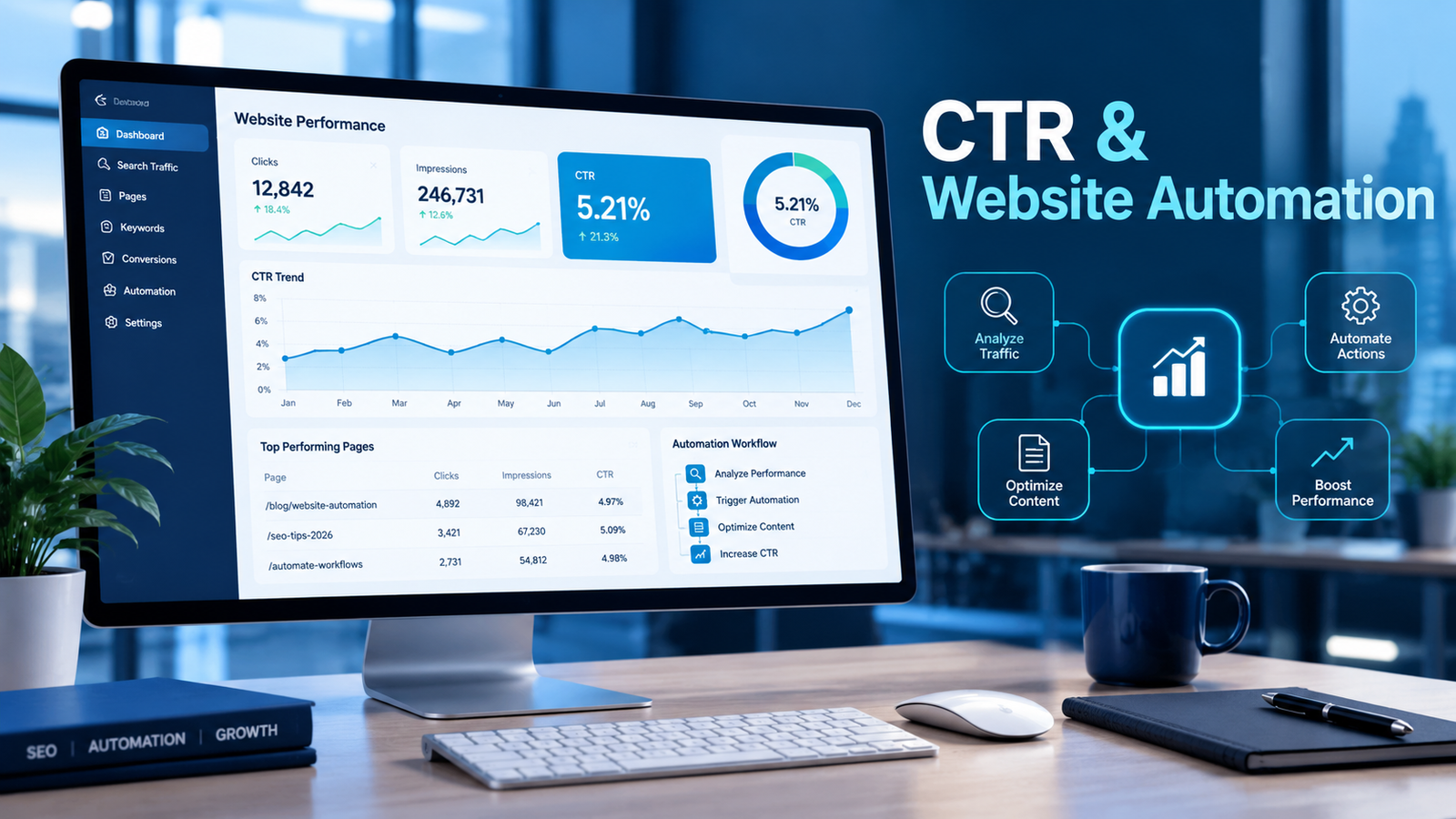
If you manage a website, you have probably seen the term CTR in your reports. CTR stands for click-through rate, and it shows how often people who see a link, ad, button, or email actually click it. In 2026, more website reporting and optimization is handled by automated systems, so understanding CTR matters more than ever. This guide explains what CTR is, how to calculate it, where to find it in Google Search Console, and how to use it in website automation.
What Is CTR?
CTR is the percentage of impressions that result in a click. An impression is one time your link or element was shown to a user, and a click is one time someone selected it. The formula is:
CTR = (Clicks ÷ Impressions) × 100
For example, if your page appears 2,000 times in search results and receives 50 clicks, your CTR is 2.5%. Google’s Search Console help documentation defines click-through rate in the same way: clicks divided by impressions.
CTR applies to many channels, including organic search results, paid ads, email campaigns, and on-site elements such as banners, buttons, and recommended-content blocks.
Why CTR Matters
CTR shows whether your message matches what people want. A page can rank well and still earn few clicks if its title is unclear or does not fit the searcher’s intent. A page with modest visibility can earn a high CTR if it answers the query precisely.
However, CTR alone does not tell the full story. If your page starts appearing for many new queries, impressions can rise sharply while CTR falls, even though total clicks stay steady or grow. Always read CTR together with clicks, impressions, and average position.
Also note that Google does not publicly confirm CTR as a direct ranking factor, and the SEO community still debates how click data is used. Treat CTR as a performance indicator for your own decisions. Trying to fake clicks is risky and unreliable.
How to Find CTR in Google Search Console
Open Search Console, go to Performance, choose Search results, and switch on the Clicks, Impressions, CTR, and Average position metrics. You can then filter by query, page, country, or device. Sort by impressions and look for pages with high impressions but low CTR. These pages already have visibility, so improving their titles and snippets is a practical place to start.
Factors That Influence CTR
Several things affect whether people click:
- Title link: A clear, accurate title helps users judge relevance quickly. Google says its title links are generated automatically and may differ from your title tag, and it warns that keyword stuffing looks spammy. Read Google’s guidance on title links for details.
- Search intent: Content matching what the searcher wants tends to earn more clicks than content that merely repeats a keyword.
- Position: Results shown higher on the page generally receive more clicks.
- SERP features: Ads, featured snippets, maps, and AI-generated summaries can change how many users click organic links.
- Brand and freshness: Familiar brands and up-to-date titles often feel more trustworthy.
What Is Website Automation?
Website automation means using software, scripts, and AI tools to handle repeatable website tasks, such as reporting, monitoring, testing, lead handling, and content updates, with less manual effort. If you want to see what this looks like in practice, explore our website automation services.
The Role of CTR in Website Automation in 2026

CTR is one of the simplest metrics to automate because it comes from two numbers you already collect: clicks and impressions. Here is how it fits into automated workflows.
- Automated reporting: Google offers a Search Analytics API for Search Console, so you can pull clicks, impressions, and CTR into dashboards or spreadsheets on a schedule instead of exporting data by hand. See our guide to automated SEO reporting for related workflows.
- Alerts: Simple rules can flag pages whose CTR drops noticeably compared with the previous period, so you can investigate changes in titles, rankings, or search features early.
- Prioritization: Automation can list pages with high impressions and low CTR, and AI tools can draft alternative titles. A human should review every suggestion before publishing, because accuracy and brand voice still matter.
- On-site testing: CTR is a standard metric for comparing calls to action, banners, popups, and recommendation widgets. Automated tests can show each version to a share of visitors and report which one earns more clicks.
- Email and chat workflows: Links and buttons in automated emails, and suggested replies in chatbots, can be measured by CTR and adjusted based on results. For ideas, read about AI chatbots and lead automation.
Best Practices for Using CTR
- Write accurate, unique titles that describe the page honestly.
- Compare similar pages and similar positions, not unrelated ones.
- Change one element at a time and wait for enough data before drawing conclusions.
- Track conversions as well as clicks, because a high CTR that brings the wrong visitors does not help your business.
- Keep a human in the loop for any automated content or title change.
Common CTR Mistakes
- Judging CTR without checking average position or search intent.
- Writing clickbait titles that the page content does not support.
- Ignoring small sample sizes, since a few clicks can produce a misleading percentage.
- Automating changes without monitoring the results.
Frequently Asked Questions
What is a good CTR?
There is no single number. CTR varies by industry, query type, position, device, and whether the search is branded. Compare your own pages over time instead of chasing a universal benchmark.
Can CTR be automated?
Yes. Tracking, reporting, and alerts can be automated, but decisions about content and messaging should be reviewed by a person.
How do I calculate CTR?
Divide the number of clicks by the number of impressions, then multiply by 100. For example, 30 clicks from 1,500 impressions gives a CTR of 2%.
Why is my CTR low even though my page ranks well?
Common reasons include a title that is unclear or does not match the searcher’s intent, a snippet that does not answer the query, or search features such as ads and featured snippets that draw attention away from your result. Google may also rewrite your title link in search results. Review your titles and snippets for pages with high impressions and low CTR, then measure the change after a few weeks.
Conclusion
CTR is a simple but powerful metric: clicks divided by impressions. In 2026, it works best as part of an automated system that collects data, flags problems, and supports testing, while people make the final content decisions. Start by finding high-impression, low-CTR pages in Search Console, improve their titles honestly, and measure the results. Used this way, CTR helps your website earn more qualified visits